
微软出品的 Windows 效率工具集,包含窗口布局、全局搜索、取色器、批量重命名等实用工具。
- v0.102.3101
- 发布于
- 10 天前
- 141,051
- 星标
- 63,721,060
- 下载
- 同步于
- 35 分钟前
最新版本
v0.102.3101 2026年11月06日 09:54
下载慢?可在上方随时切换镜像源
如何校验 SHA256
下载或用起来遇到问题?
- 下载速度慢或中断
- 在下载区右上角切换镜像源(ghfast / gh-proxy / moeyy),源文件不变,只是换条线路。
- Windows 提示“未知发布者”
- 多数开源项目没有购买代码签名证书,SmartScreen 会拦一下。核对 SHA256 与仓库来源后,点“更多信息 → 仍要运行”。
- macOS 提示“已损坏,无法打开”
- 在终端执行
xattr -cr /Applications/应用名.app去掉隔离属性;仅对可信来源这么做。 - 安装包架构怎么选
- Apple 芯片选 arm64,Intel Mac 选 x64;Windows 绝大多数选 x64,ARM 设备选 arm64;Linux 优先 AppImage。
- 怎么确认文件没被篡改
- 下载后本地计算 SHA256,与安装包右侧的校验值逐位比对,不一致就不要运行。
项目说明
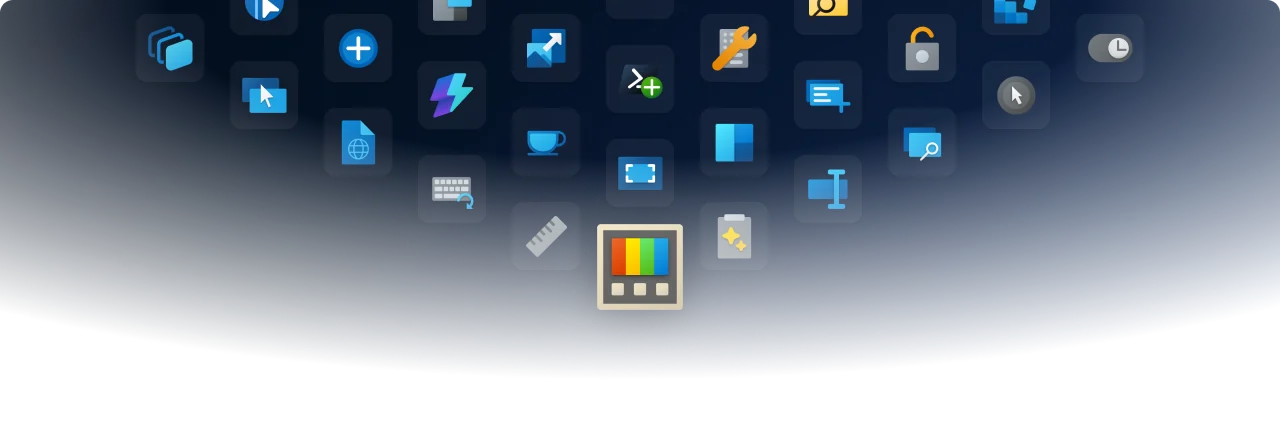
Microsoft PowerToys
Microsoft PowerToys is a collection of utilities that help you customize Windows and streamline everyday tasks.
Installation · Documentation · Blog · Release notes
🔨 Utilities
PowerToys includes over 30 utilities to help you customize and optimize your Windows experience:
 Advanced Paste
 Always on Top
 Awake
 Color Picker
 Command Not Found
 Command Palette
 Crop And Lock
 Environment Variables
 FancyZones
 File Explorer Add-ons
 File Locksmith
 Grab And Move
 Hosts File Editor
 Image Resizer
 Keyboard Manager
 Light Switch
 Mouse Utilities
 Mouse Without Borders
 New+
 Peek
 PowerDisplay
 PowerRename
 PowerToys Run
 Quick Accent
 Registry Preview
 Screen Ruler
 Shortcut Guide
 Text Extractor
 Window Hopper
 Workspaces
 ZoomIt
📦 Installation
For detailed installation instructions and system requirements, visit the installation docs.
But to get started quickly, choose one of the installation methods below:
Download the .exe file from GitHub
Go to the [PowerToys GitHub releases](https://aka.ms/installPowerToys), scroll down and select **Assets** to reveal the installation files, and choose the one that matches your architecture and install scope. For most devices, that would be _x64 per-user_.
Microsoft Store
You can easily install PowerToys from the Microsoft Store:
WinGet
Download PowerToys from [WinGet](https://github.com/microsoft/winget-cli#installing-the-client). Updating PowerToys via winget will respect the current PowerToys installation scope. To install PowerToys, run the following command from the command line / PowerShell: - User scope installer (default)
winget install Microsoft.PowerToys -s winget
winget install --scope machine Microsoft.PowerToys -s winget
Other methods
There are [community driven install methods](https://learn.microsoft.com/windows/powertoys/install#community-driven-install-tools) such as Chocolatey and Scoop. If these are your preferred install solutions, you can find the install instructions there.
✨ What's new?
To see what's new, check out the release notes.
🛣️ Roadmap
For v0.103, we're working on a new Awake flyout, improving Screen Ruler, and continuing to modernize more utilities with WinUI 3.
❤️ PowerToys Community
The PowerToys team is extremely grateful to have the support of an amazing active community. The work you do is incredibly important. PowerToys wouldn't be nearly what it is today without your help filing bugs, updating documentation, guiding the design, or writing features. We want to say thank you and take time to recognize your work. Your contributions and feedback improve PowerToys month after month!
Contributing
This project welcomes contributions of all types. Besides coding features / bug fixes, other ways to assist include spec writing, design, documentation, and finding bugs. We are excited to work with the power user community to build a set of tools for helping you get the most out of Windows. We ask that before you start work on a feature that you would like to contribute, please read our Contributor's Guide. We would be happy to work with you to figure out the best approach, provide guidance and mentorship throughout feature development, and help avoid any wasted or duplicate effort. Most contributions require you to agree to a Contributor License Agreement (CLA) declaring that you grant us the rights to use your contribution and that you have permission to do so. For guidance on developing for PowerToys, please read the developer docs for a detailed breakdown. This includes how to setup your computer to compile.
Code of conduct
This project has adopted the Microsoft Open Source Code of Conduct.
Privacy statement
The application logs basic diagnostic data (telemetry). For more privacy information and what we collect, see our PowerToys Data and Privacy documentation.
历史版本
共 30 个版本v0.103.3151 测试版 2026.11.13 7 个文件
v0.103.3131 测试版 2026.11.10 7 个文件
v0.103.3099 测试版 2026.11.09 7 个文件
v0.102.3101 2026.11.06 7 个文件
v0.102.3001 2026.10.27 7 个文件
v0.102.2933.0 2026.10.21 7 个文件
v0.101.2362.0 2026.08.25 7 个文件
v0.100.2 2026.06.26 7 个文件
v0.100.1 2026.06.24 7 个文件
v0.100.0 2026.06.10 7 个文件
v0.99.1 2026.04.29 7 个文件
相关项目
同类目下值得一试的开源软件