
开源 AI 编码代理,提供 CLI 与桌面端,支持一键安装脚本、npm、Homebrew 等多种部署方式。
- v2.3.0
- 发布于
- 3 天前
- 227,236
- 星标
- 37,063,421
- 下载
- 同步于
- 26 分钟前
最新版本
v2.3.0 2026年11月13日 08:55
下载慢?可在上方随时切换镜像源
如何校验 SHA256
opencode-desktop-win-x64.exe
opencode-desktop-win-arm64.exe
opencode-windows-x64.zip
opencode-windows-x64-baseline.zip
opencode-windows-arm64.zip
opencode-desktop-mac-x64.dmg
opencode-desktop-mac-arm64.dmg
opencode-desktop-mac-x64.zip
opencode-desktop-mac-x64.app.tar.gz
opencode-desktop-mac-arm64.zip
opencode-desktop-mac-arm64.app.tar.gz
opencode-darwin-x64.zip
opencode-darwin-x64-baseline.zip
opencode-darwin-arm64.zip
opencode-desktop-linux-x86_64.AppImage
opencode-desktop-linux-arm64.AppImage
opencode-desktop-linux-amd64.deb
opencode-desktop-linux-arm64.deb
opencode-desktop-linux-x86_64.rpm
opencode-desktop-linux-aarch64.rpm
opencode-linux-x64-baseline.tar.gz
opencode-linux-x64.tar.gz
opencode-linux-x64-baseline-musl.tar.gz
opencode-linux-x64-musl.tar.gz
opencode-linux-arm64.tar.gz
opencode-linux-arm64-musl.tar.gz
下载或用起来遇到问题?
- 下载速度慢或中断
- 在下载区右上角切换镜像源(ghfast / gh-proxy / moeyy),源文件不变,只是换条线路。
- Windows 提示“未知发布者”
- 多数开源项目没有购买代码签名证书,SmartScreen 会拦一下。核对 SHA256 与仓库来源后,点“更多信息 → 仍要运行”。
- macOS 提示“已损坏,无法打开”
- 在终端执行
xattr -cr /Applications/应用名.app去掉隔离属性;仅对可信来源这么做。 - 安装包架构怎么选
- Apple 芯片选 arm64,Intel Mac 选 x64;Windows 绝大多数选 x64,ARM 设备选 arm64;Linux 优先 AppImage。
- 怎么确认文件没被篡改
- 下载后本地计算 SHA256,与安装包右侧的校验值逐位比对,不一致就不要运行。
项目说明

The open source AI coding agent.
English | 简体中文 | 繁體中文 | 한국어 | Deutsch | Español | Français | Italiano | Dansk | 日本語 | Polski | Русский | Bosanski | العربية | Norsk | Português (Brasil) | ไทย | Türkçe | Українська | বাংলা | Ελληνικά | Tiếng Việt
Installation
# YOLO
curl -fsSL https://opencode.ai/v2/install | bash

# Package managers
npm i -g @opencode/cli@latest      # or bun/pnpm/yarn
brew install anomalyco/tap/opencode-v2 # macOS and Linux (recommended, always up to date)
brew install opencode              # macOS and Linux (official brew formula, updated less)
sudo pacman -S opencode            # Arch Linux (Stable)
paru -S opencode-beta              # Arch Linux (Latest from AUR)
mise use -g opencode               # Any OS
nix run github:anomalyco/opencode  # Nix
[!TIP]
Remove versions older than 0.1.x before installing.
Desktop App (BETA)
OpenCode is also available as a desktop application. Download it from opencode.ai/download.
| Platform | Download |
|---|---|
| macOS (Apple Silicon) | opencode-desktop-mac-arm64.dmg |
| macOS (Intel) | opencode-desktop-mac-x64.dmg |
| Windows | opencode-desktop-win-x64.exe |
| Linux | .deb, .rpm, or .AppImage |
# macOS (Homebrew)
brew install --cask opencode-desktop
Installation Directory
The install script installs OpenCode to $HOME/.opencode/bin.
Agents
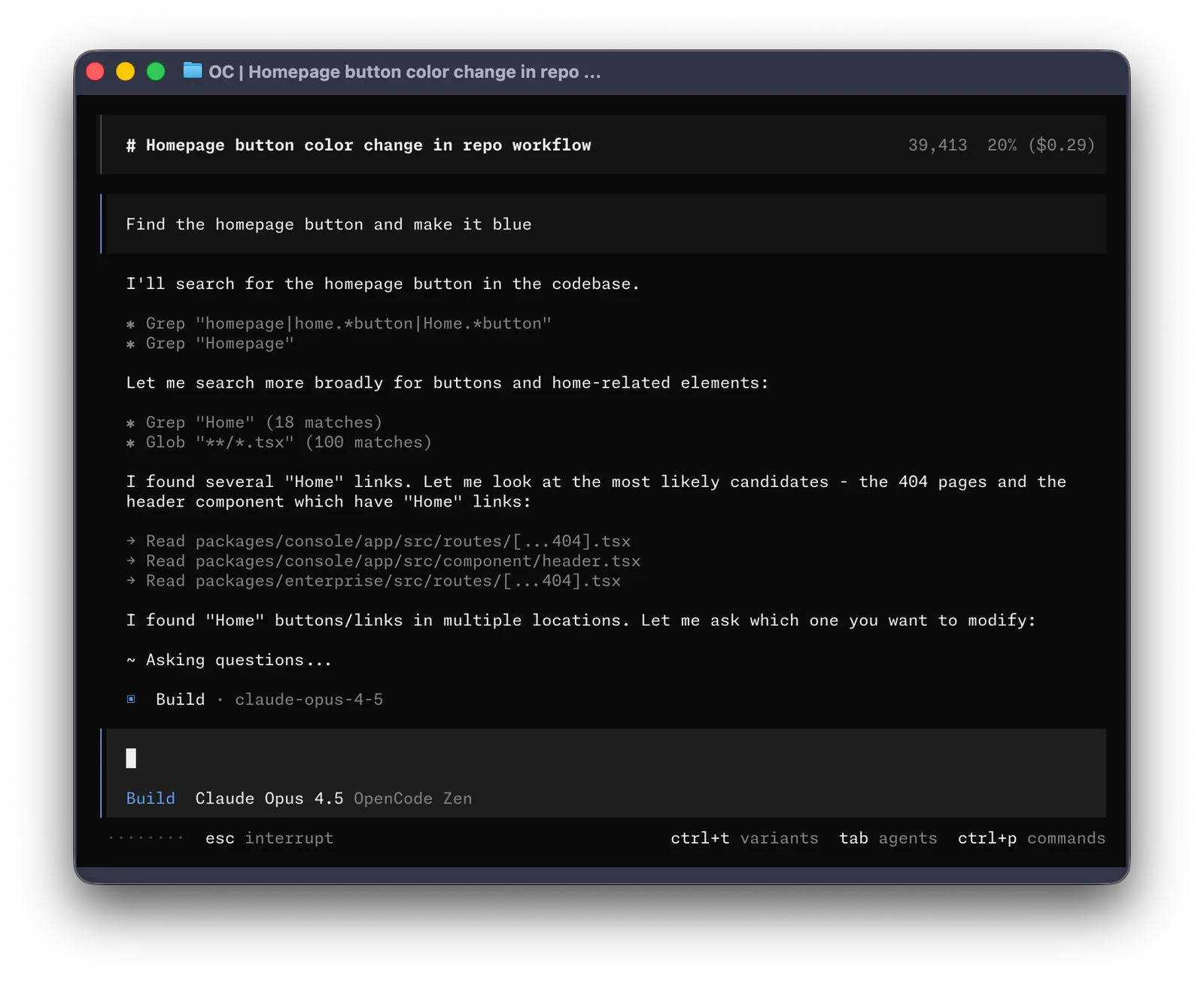
OpenCode includes two built-in agents you can switch between with the Tab key.
- build - Default, full-access agent for development work
- plan - Read-only agent for analysis and code exploration
- Denies file edits by default
- Asks permission before running bash commands
- Ideal for exploring unfamiliar codebases or planning changes
Also included is a general subagent for complex searches and multistep tasks.
This is used internally and can be invoked using @general in messages.
Learn more about agents.
Documentation
For more info on how to configure OpenCode, head over to our docs.
Contributing
If you're interested in contributing to OpenCode, please read our contributing docs before submitting a pull request.
Building on OpenCode
If you are working on a project that's related to OpenCode and is using "opencode" as part of its name, for example "opencode-dashboard" or "opencode-mobile", please add a note to your README to clarify that it is not built by the OpenCode team and is not affiliated with us in any way.
历史版本
共 30 个版本v2.3.0 2026.11.13 27 个文件
process-daemon-v0.5.2 2026.11.11 10 个文件
v2.2.7 2026.11.10 27 个文件
v2.2.6 2026.11.06 27 个文件
process-daemon-v0.5.0 2026.11.05 10 个文件
v2.2.5 2026.10.30 27 个文件
v2.2.4 2026.10.30 27 个文件
v2.2.3 2026.10.30 27 个文件
process-daemon-v0.4.0 2026.10.29 10 个文件
v2.2.2 2026.10.29 27 个文件
process-daemon-v0.3.3 2026.10.29 10 个文件
v2.2.1 2026.10.29 27 个文件
相关项目
同类目下值得一试的开源软件
O
 394.6k
openclaw
openclaw/openclaw
开源自托管 AI 助手平台,把助手接入 WhatsApp、Telegram、Slack、Discord 等 20 多个聊天工具,状态、记忆与凭据全部留在本机。
v2026.11.4
TypeScript
11 小时前
#ai #assistant
O
 187.2k
ollama
ollama/ollama
本地运行开源大模型不必依赖云端,把下载、运行与服务化压成几条命令,提供 CLI、REST API 与 Python/JS 库。
v0.40.16
Go
6 天前
#deepseek #gemma
C
 154.9k
cc-switch
farion1231/cc-switch
跨平台桌面端 AI 编程助手统一管理工具,支持 Claude Code、Codex、Gemini CLI、OpenCode 等多种 Agent。
v4.0.33
Rust
13 小时前
#ai-tools #claude-code
L
 149.7k
langchain
langchain-ai/langchain
构建 LLM 应用与 AI Agent 的开源框架,统一模型、向量库与工具接口,支持 Python 与 JS/TS。
langchain-xai==1.4.0
Python
18 小时前
#agents #ai
G
 148.8k
graphify
Graphify-Labs/graphify
把代码库、文档、SQL schema 与 PDF 解析成可查询知识图谱,以技能形式接入 Claude Code、Cursor 等编程助手。
v0.9.111
Python
19 小时前
#ai-agents #antigravity
C
 147.2k
ComfyUI
Comfy-Org/ComfyUI
模块化扩散模型 GUI、API 与后端,通过节点图进行图像、视频、3D 与音频生成。
v0.45.0
Python
5 天前
#ai #comfy